(Just)Photo Album (ただ)フォトアルバム (Persistence photo system for VRChat worlds!)
- ダウンロード商品¥ 6,400
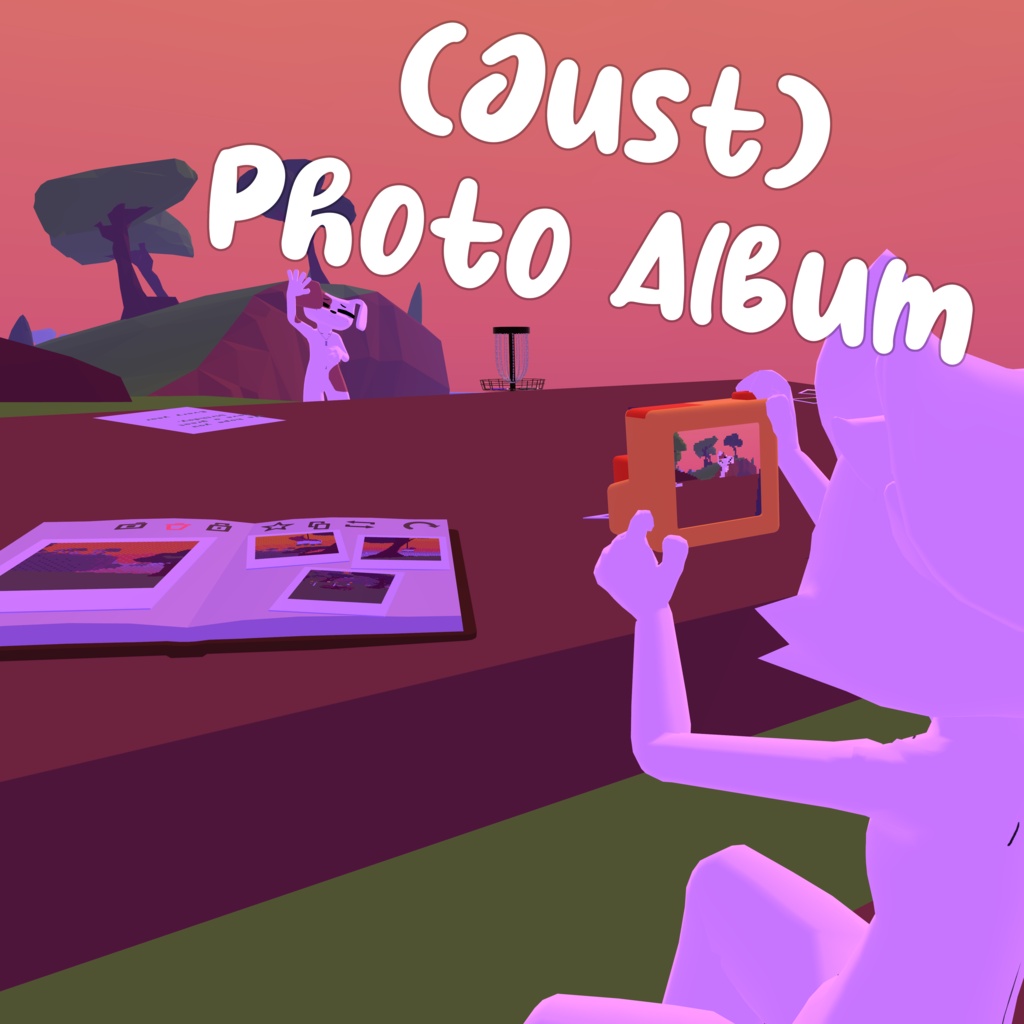
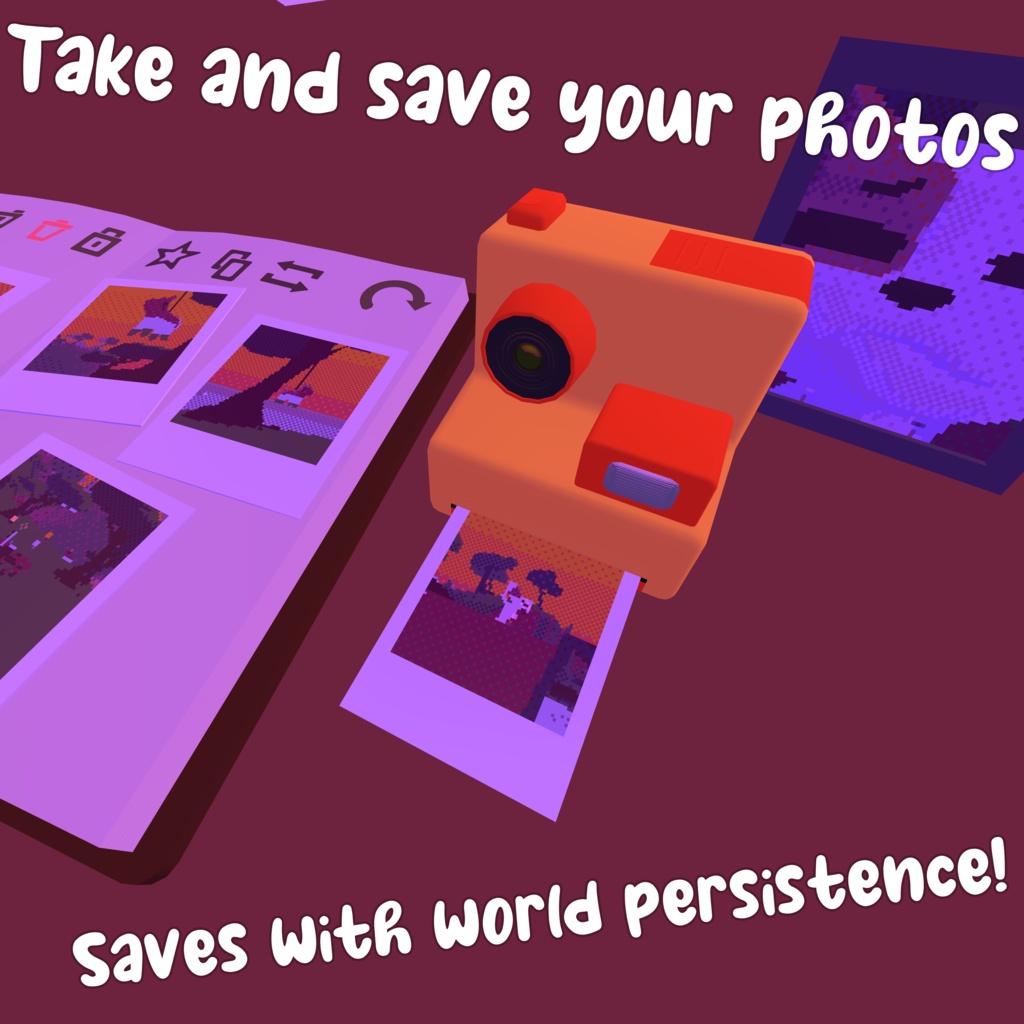
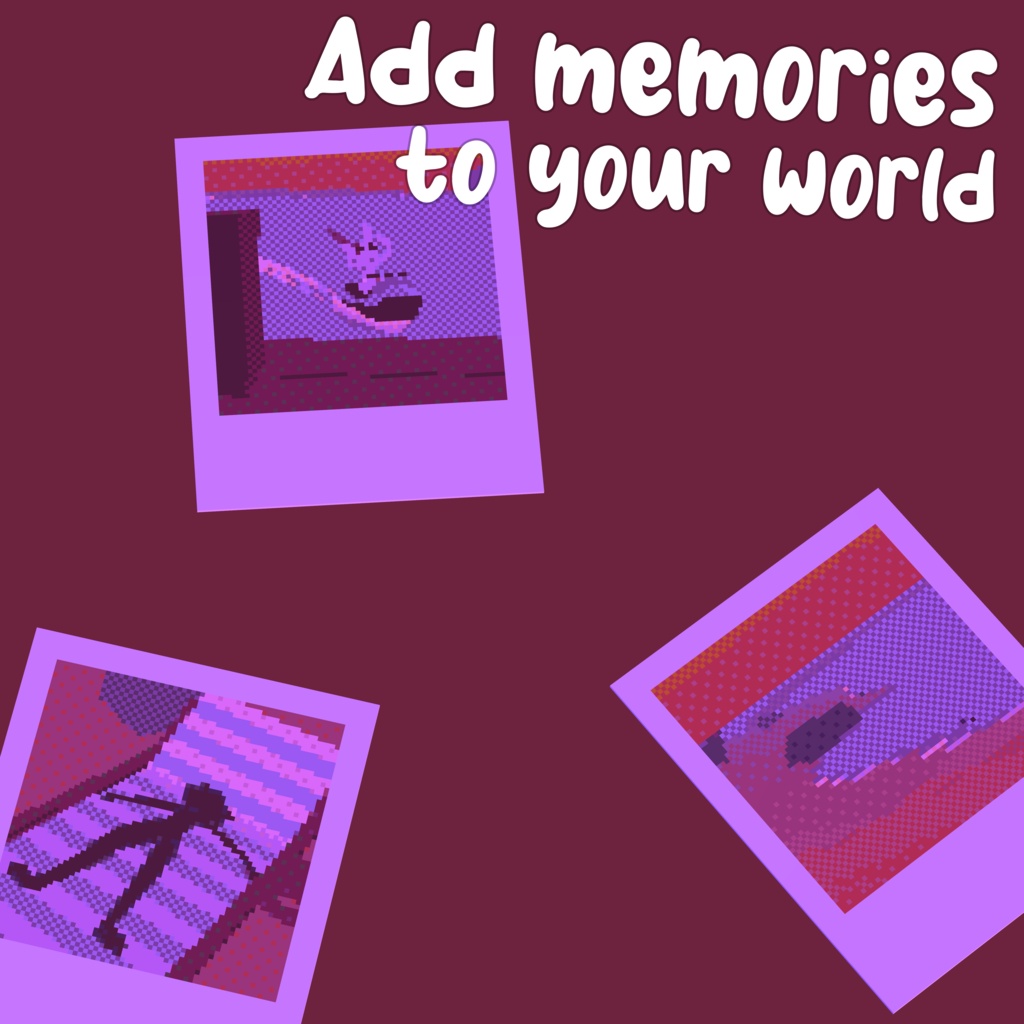
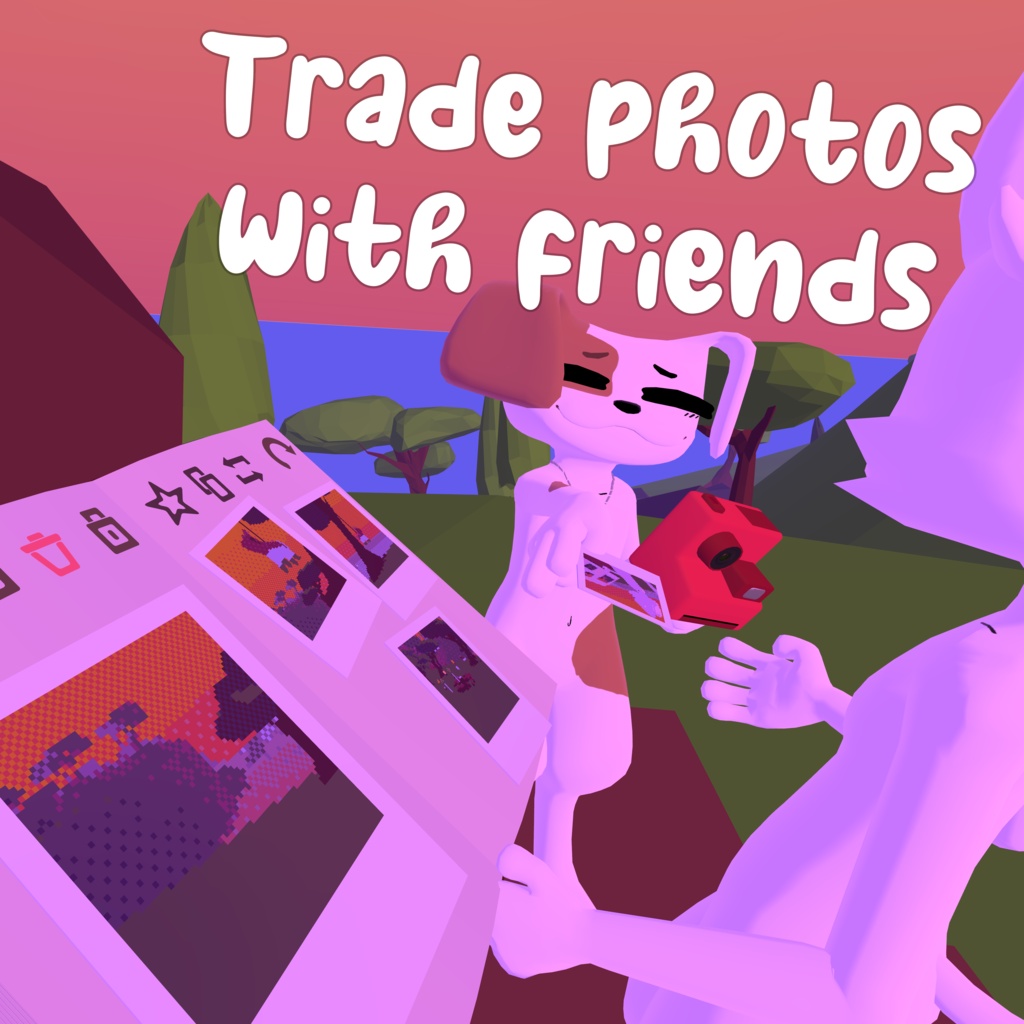
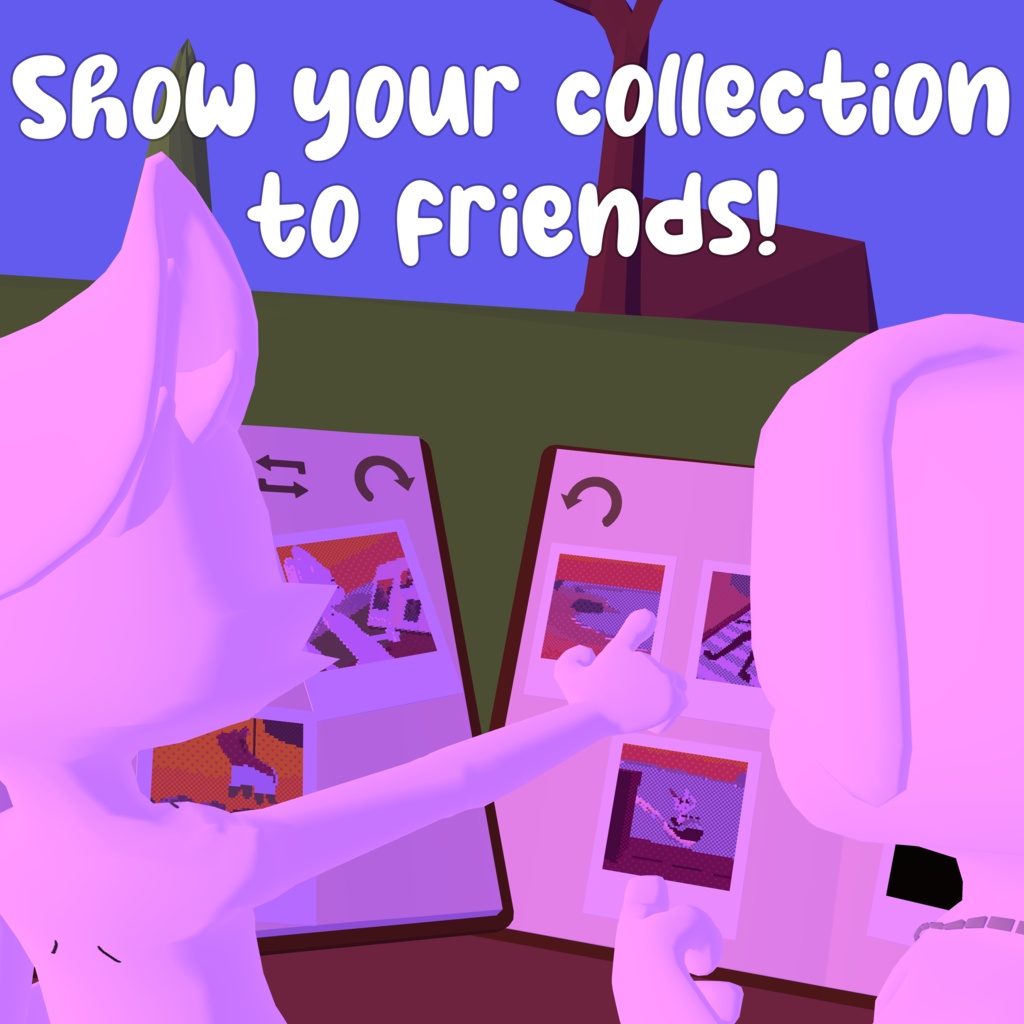
Photos are a great way to keep your memories of VRChat experiences, but there is something about VRChat's camera system that feels almost detached from your actual in-game VRChat experience. It feels like external media, rather than something actually part of the game. Well, "(Just)Photo Album" is a prefab designed to make photos feel more like an in-world experience! By adding cameras to your map, photos become a part of the environment! They feel like something that has an impact on your environment, your gameplay. And what better a way for that to be more prevalent than: Persistence! Photos taken by the (Just)Photo Album system actually save to the world that they're implemented in! No untrusted URLs needed, just straight persistence! Thanks to this, (Just)Photo Album pictures are also synced! Many other photo systems exist for VRChat, but they don't actually sync the photo! They just send the event to take a picture at (roughly) the same time, This means everyone can be seeing practically entirely different pictures! However, there are caveats. (Just)Photo Album pictures have to send that data, which it does that using VRChat's persistence. But, there is a limit to how much data VRChat allows. 100KB of data, max. (Just)Photo Album handles this by simplifying, pixelizing, and stylizing your photos! Particularly, in a way that was inspired by the toy polaroid aesthetic the camera uses. Different lighting conditions and map styles can affect the quality of photos though, that's why you can also customize the color palette used by the compression filter! A good color palette custom made for your map can heavily improve the quality of the prints, you can even let the players swap their color palettes in game so they can find what works best for their photo! All you have to do is create a texture file with the colors of your palette. (Just)Photo Album also has many other features designed for that scrapbooking feeling! - Give photos you've taken to other players - Copy/reprint photos - Rearrange your photo album - Favorite photos so you don't accidently delete them - Pick the color of your camera You can also create picture frames for your world! Have you ever gone to a world that you thought would be a nice home-world to load into when you log in? But around the map are these pictures of people who you don't know? They're the friends of the map creator, obviously, but it kind of feels like the place is less of your home and more of the map creator's. Well, imagine just swapping out the picture for one you take with your friends! It can turn a somewhat generic photo gimmick into something that decorates your home! (Picture frames are local, so every user can decorate.) You might be thinking it's difficult to set up, considering the amount of features that there are. But setting up the camera is actually a 1 step process! Pick the camera system you want, drop the prefab in the scene! It's set up to have a 4 prefabs to choose from, depending on how you want your map to work: [Everyone camera] -- Everyone gets a cloned camera, and a photo album. It uses player objects, so you don't need to duplicate any of these! -- Designed for maps that want to play into photography! [Shared camera] -- Everyone gets a photo album, but the camera is a shared pickup. If you want to share photos, you just have the camera to someone. [Local camera] -- Everyone gets a photo album, but everyone gets a camera that is not synced. You are unable to share photos with other players using this, but you can still show your album. [Camera only] -- Everyone shares a camera, same as the shared camera, but there is no photo album. This is for if your map will only use picture frames, or if you only want the camera for taking pictures, no saving. Then there are the picture frame prefabs. Slightly more complicated, it's a 2 step process! Drop in the prefab, set the "camera reference" on the picture frame's Udon behavior to the camera from the prefab you dropped in the scene! Want to try this out for yourself? (Just)Photo Album is currently present in these worlds: https://vrchat.com/home/world/wrld_b69e9146-84c8-4a0b-aeea-0b52da5148d8 https://vrchat.com/home/world/wrld_963d7ed9-9261-4503-a152-5fcdd1f84e15 https://vrchat.com/home/world/wrld_2dc60b59-9dd0-4acb-8720-8dd1c6b9111b
日本語
[自動翻訳は完璧ではないかもしれませんが、雰囲気に合わせてみました!] 写真は、VRChatで過ごした思い出を残す最高の方法です。 でも、VRChat標準のカメラって、どこか「ゲームの外」の存在に感じませんか? 撮った写真はただの画像で、ワールドでの体験とは少し切り離されているような…。 そんな写真を、もっと「ワールドの一部」にするためのプレハブが (ただ)フォトアルバムです! ワールドにカメラを設置すれば、写真そのものがゲーム体験の一部になります。 思い出が環境に残り、プレイヤー同士の遊びにもつながります。 そして、それを実現するのが――**Persistence(永続保存)**です! (ただ)フォトアルバムで撮影した写真は、実際にそのワールドへ保存されます。 外部URLや信頼されていないサービスは不要。 VRChatのPersistenceだけで完結します。 さらに、写真そのものが同期されます! 他の写真システムでは、「同じタイミングで撮影する」というイベントだけを送っているものも多く、人によって全く違う写真が保存されることがあります。 でも、(ただ)フォトアルバムは違います。 保存された写真そのものが共有されるので、みんなが同じ一枚を見ることができます。 もちろん、制限もあります。 写真データはVRChatのPersistenceへ保存するため、 利用できる容量は最大100KBまでです。 そこで、(ただ)フォトアルバムでは写真を ピクセル調に簡略化・圧縮・スタイライズして保存します。 見た目は、カメラのおもちゃ風ポラロイドの雰囲気をイメージしています。 もちろん、ワールドのライティングや雰囲気によって写真の仕上がりは変わります。 そこで圧縮に使用するカラーパレットも自由に変更可能! ワールド専用に作ったカラーパレットを使えば、写真の仕上がりを大きく改善できます。 さらにプレイヤー自身がゲーム内でパレットを切り替えられるようにもできるので、それぞれのお気に入りの色合いで撮影できます。 必要なのは、パレット用のカラーテクスチャを作るだけです。 (ただ)フォトアルバムには、スクラップブックらしい機能もたくさん! - 撮った写真を他のプレイヤーへプレゼント - 写真を複製・再印刷 - アルバム内で写真を並べ替え - お気に入り登録で誤削除を防止 - カメラ本体の色変更 さらに、ワールド用の写真立て(フォトフレーム)も作れます! お気に入りのホームワールドに行ったとき、 作者さんやその友達の写真が飾られていることってありませんか? もちろん素敵なんですが、 少しだけ「自分の家」というより「作者さんの家」に遊びに来たような気分になることもあります。 そこで、自分やフレンドと撮った写真に入れ替えてみましょう! ただの写真ギミックではなく、 自分だけのホームワールドを飾るインテリアになります。 (フォトフレームはローカル表示なので、それぞれ好きな写真を飾れます。) ここまで機能が多いと、設定も大変そうに思えるかもしれません。 でも、カメラの設置は実は1ステップ! 使いたいカメラプレハブを選んで、 シーンへドラッグ&ドロップするだけです。 用途に合わせて4種類のプレハブを用意しています。 [ Everyone Camera ] -- 全員が自分専用のカメラとフォトアルバムを持ちます。 -- Player Objectを使用するため、人数分配置する必要はありません。 -- 写真撮影をメインに楽しむワールド向けです。 [ Shared Camera ] -- 全員がフォトアルバムを持ちます。 -- カメラは共有のPickupです。 -- 写真を渡したい時は、そのままカメラを渡すだけ。 [ Local Camera ] -- 全員がフォトアルバムを持ちます。 -- カメラは各自専用ですが同期されません。 -- 写真を他人へ渡すことはできませんが、自分のアルバムは見せられます。 [ Camera Only ] -- Shared Cameraと同じ共有カメラですが、フォトアルバムはありません。 -- フォトフレームだけ使いたい場合や、保存機能なしで撮影だけしたいワールド向けです。 フォトフレームの設置も簡単です。 こちらは2ステップです! プレハブを配置したら、 フォトフレームのUdon Behaviourにある Camera Reference へ、 シーン内のカメラプレハブを指定するだけです。 自分で試してみたいですか? (ただ)フォトアルバムは、現在こちらのワールドで体験できます: https://vrchat.com/home/world/wrld_b69e9146-84c8-4a0b-aeea-0b52da5148d8 https://vrchat.com/home/world/wrld_963d7ed9-9261-4503-a152-5fcdd1f84e15 https://vrchat.com/home/world/wrld_2dc60b59-9dd0-4acb-8720-8dd1c6b9111b
Terms of Use
(自動翻訳)これらの利用規約は英語で書かれています。以下に日本語訳を提供しますが、お客様が同意する正式な利用規約はダウンロード時点の英語原文に基づくものとします。 By downloading the latest version of this file, you agree to the terms of use in their latest iteration at the time of download. This file falls under the copyright of the creator, TheCreationKing. You are not allowed to redistribute the file. You can use the file in any way you want, there are no restrictions on monetization, so long as such monetization does not give access to the contents of this file. Modifications to this file are allowed. All responsibility when using this file falls under the user. Any issues that occur due to user actions are the responsibility of the user. このファイルの最新バージョンをダウンロードした時点で、そのダウンロード時に適用されている利用規約に同意したものとみなされます。 これらの利用規約は、私の独自の裁量でいつでも更新される場合があります。利用規約への変更は投稿後すぐに適用され、このファイルの使用を続けることで変更に同意したことになります。 このファイルは作成者である TheCreationKing の著作権に属します。 ファイルを再配布することはできません。 ファイルは任意の方法で使用できます。収益化によってこのファイルのコンテンツにアクセスできない限り、収益化に制限はありません。 このファイルへの変更は許可されています。 このファイルを使用する際のすべての責任はユーザーにあります。 ユーザーの行為によって発生した問題はすべてユーザーの責任となります。